
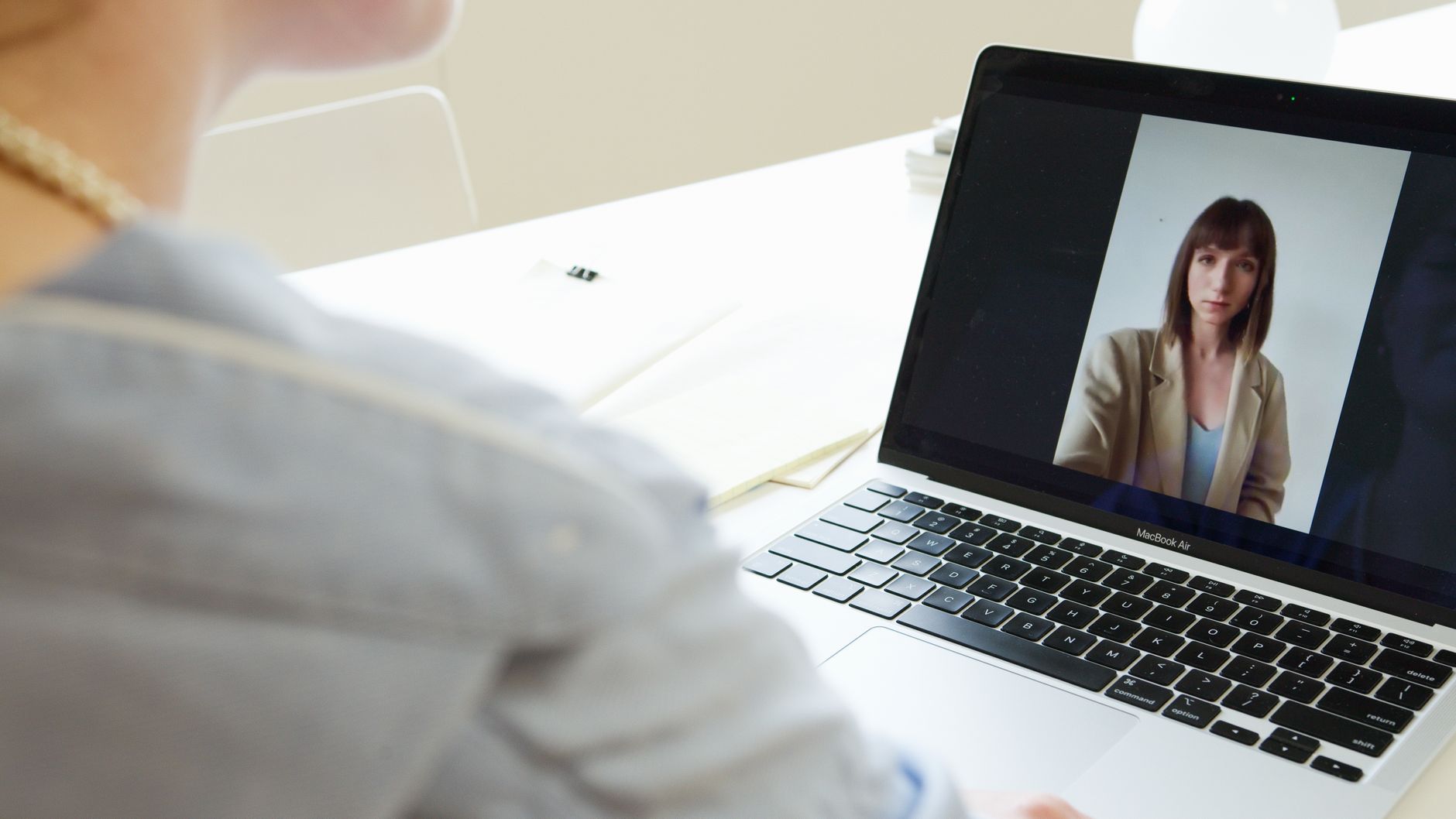
Your video interview with a US company starts before you say hello. The manager sees your face, your light and your background, and hears your sound, in the first five seconds. This guide walks you through every step, from the night before to the thank-you email after.
Test your setup the day before
Do not wait until the interview to find a problem. Do this test 24 hours before, at the same time of day as your interview, so the light and internet are the same.
- Check your internet. Run a free speed test. If you can, connect your computer to the router with a cable. Wi-Fi is fine if you sit close to the router.
- Close other apps. Ask family members not to stream video during your interview. Turn off downloads and updates.
- Put the camera at eye level. Stack books under your laptop. The camera should look at your eyes, not up at your chin.
- Put the light in front of you. Face a window or a lamp. A window behind you turns you into a dark shadow.
- Use headphones with a microphone. Simple wired earbuds work well. They stop echo and block noise from the street.
- Clean your background. A plain wall or a tidy shelf is best. If you use a blurred background, test it first so your face does not disappear when you move.
- Open the meeting link. Install the app (Zoom, Google Meet or Microsoft Teams) and test your camera and microphone inside it.
- Prepare a backup plan. Keep your phone charged with mobile data ready as a hotspot. Save the interviewer's email so you can write fast if the call drops.
Run this checklist 30 minutes before

- Laptop charged and plugged in
- Phone on silent, but nearby for emergencies
- Interview time confirmed in your time zone (US time zones change, so double-check)
- Water in a glass, away from the keyboard
- Your resume and the job description open in another window
- Notes with three short stories about your work
- A pen and paper for the interviewer's name and questions
- Clean, simple shirt (dress like you are meeting a client)
- Door closed, pets in another room
- Log in five minutes early
Speak English clearly, not perfectly
US managers do not expect a perfect accent. They want to understand you easily and trust that you will understand their customers.
- Slow down. Nervous people speak fast. Take a small pause after each sentence.
- Use short sentences. One idea per sentence is easier to follow.
- Ask when you do not understand. It is professional, not weak. Say: "Sorry, could you repeat the question?" or "Just to confirm, you are asking about..."
- Use simple linking phrases. "First," "After that," "The result was." They make your answers sound organized.
- Practice out loud. Record yourself answering three questions on your phone. Listen once and fix one thing.
Rule of thumb: a clear answer in simple English beats a long answer in fancy English.
Answer common questions with a simple structure
For most questions, use three parts: what happened, what you did, what the result was. Keep each answer to about one or two minutes.
"Tell me about yourself." Talk about work, not your whole life. Example: "I have four years of experience in customer service for an online store. I answer emails and chats, process returns and update orders in Shopify. I enjoy solving problems for customers, and I am looking for a long-term remote role with a US company."
"Why do you want to work remotely?" Show that you are ready, not only that you want comfort. Example: "I have worked remotely for two years. I have a quiet office, a backup internet connection and a daily routine. I stay focused and I communicate often with my team."
"Tell me about a time you solved a problem." Example: "A client was angry because a package was late. I apologized, checked the tracking and called the carrier. I found the package and offered free shipping on the next order. The client thanked us and ordered again."
"Can you work US business hours?" Be honest and specific. Example: "Yes. I can work 9 a.m. to 5 p.m. Eastern time, Monday to Friday."
"What tools do you know?" Name only tools you really use, and say how. Many US companies test these skills, so never exaggerate. Example: "I use QuickBooks every day for invoices and bank reconciliation, and Google Sheets for weekly reports."
Ask two or three good questions
At the end, the interviewer will ask: "Do you have any questions?" Always say yes. Good options:
- "What does a normal day look like in this role?"
- "What would success look like after the first 90 days?"
- "Who will I work with most, and how does the team communicate?"
- "What tools or software will I use?"
Save detailed questions about pay and contracts for later conversations, unless the interviewer brings them up.
Follow up within 24 hours
Send a short thank-you email the same day. Keep it to four or five sentences.
Subject: Thank you for the interview
Hi Sarah, thank you for meeting with me today about the customer service role. I enjoyed learning about how your team supports customers. I am excited about the chance to help with order questions and returns. Please let me know if you need anything else from me. Best regards, [Your name]
If you do not hear back in about a week, one polite follow-up email is fine. Then be patient.
The bottom line
A video interview is a test of preparation as much as skill. Test your setup the day before, speak slowly and clearly, answer with real examples and send a short thank-you. These small steps show a US manager you will be reliable from day one.
If you want help finding roles with US businesses, RemoteVetted runs searches for specific positions and prepares candidates through English and skills assessments. Candidates never pay RemoteVetted anything.